

Stickerbox Paper Refill (5)
Stickerbox Paper Refill (5)
More rolls, more ideas.
BPA/BPS free
Free shipping
Couldn't load pickup availability
Product Details
Product Details
Kid-friendly and planet-minded: BPA/BPS-free paper that’s easy to tear, peel and color.
Specs:
- Roll width: 2" — fits every Stickerbox
- Black-and-white thermal printing
Tip: keep a spare pack handy — ideas go fast!
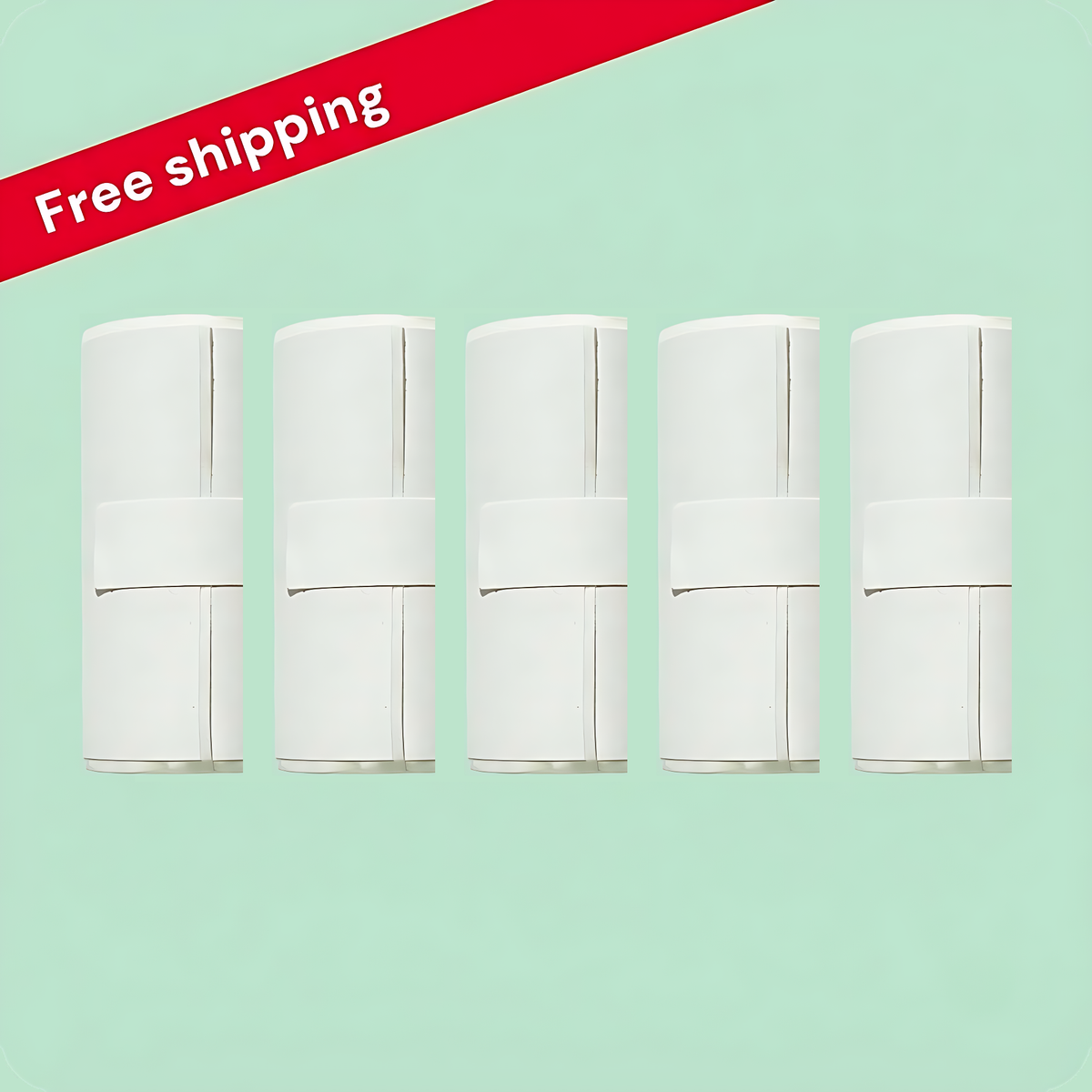
The bigger stash. This pack holds 5 rolls of thermal sticker paper with about 66 stickers each, so the ideas can keep coming.
Delivery Information
Delivery Information
Orders are packed within 1–2 business days. Delivery normally takes 7–15 working days, depending on your location and customs. You’ll get a tracking link by email the moment your order ships.
Shipping is free on every order.
Returns
Returns
Paper rolls: sealed packs only, up to 30 days after delivery.
Need a return or a swap? Email lamngocminhquan77546@gmail.com with your order number.
tech specs
-

Sticker Roll
Size: 2" wide x 137.8" long (1.25" across)
Material: BPA/BPS-free thermal paper

get your stickerbox app


faqs
What’s the white button for?
What’s the white button for?
When the screen shows “ask”, hold the white button, say what you’d like to make, then let go. That’s the whole trick.
How do I put in a new paper roll?
How do I put in a new paper roll?
A new Stickerbox arrives with paper already inside, so the first prints are ready to go. For a fresh roll, a grown-up undoes the silver screw underneath using a #2 Phillips (or similar) screwdriver, lifts the door, drops the roll in with the printable side facing the front, and closes it again. Snug is enough — don’t over-tighten.
Setup isn’t working — what now?
Setup isn’t working — what now?
Check that your Wi-Fi is on the 2.4GHz band — most routers broadcast both 2.4GHz and 5GHz. Moving closer to the router also helps, since a weak signal can stall setup. Still stuck? Do a factory reset: keep the white button pressed while you pull the plug and put it back in, and wait for the screen to restart. If nothing works, email us at lamngocminhquan77546@gmail.com and we’ll get you printing.
Does it understand languages besides English?
Does it understand languages besides English?
Yes. Stickerbox understands several languages — just speak clearly in the one you like.
What does the companion app do?
What does the companion app do?
The parent companion app is where you set up the box, look at and share creations, and manage the device.
Nothing is printing. What should I look at?
Nothing is printing. What should I look at?
Usually the roll is in backwards or sitting crooked. Also check that you’re using official Stickerbox paper, the door is shut all the way, and the power cable is pushed in firmly. Still nothing? Leave it unplugged for 10 seconds, then power it up and try once more.
My prints look pale. How do I fix that?
My prints look pale. How do I fix that?
Reload the roll or swap in a new one. Pop out the rubber roller on the upper edge of the door, wipe it with a cloth and click it back. Store paper away from heat and direct sun.
The paper is jammed. What do I do?
The paper is jammed. What do I do?
Open the back door and seat the roll again. Jams often happen near the end of a roll — if so, simply put in a new one.
Where can I get more paper?
Where can I get more paper?
Grab official refills right here: Stickerbox Paper Refill.
Will other thermal paper work?
Will other thermal paper work?
No. Stickerbox paper is the only kind it takes — anything else can damage the printer and voids the warranty. Every Stickerbox roll is BPA and BPS-free.
How are the AI stickers kept safe for kids?
How are the AI stickers kept safe for kids?
Safety was the starting point, so everything from what kids say to what comes out of the printer is filtered and age-appropriate. Strict filters stop unsuitable content before it’s ever made. It only listens while the button is pressed, never in the background, and voice data isn’t kept. It isn’t a screen, a feed or a place to wander into unknown content — and parents can look back at every creation in the companion app.
Is the microphone on all the time?
Is the microphone on all the time?
No. It listens only while the top button is pressed.
Are voice recordings saved or shared?
Are voice recordings saved or shared?
No. Voice data isn’t stored, and no personal information is shared.
Can I return it?
Can I return it?
Boxes that haven’t been opened can be sent back within 30 days of arrival for a full refund. If yours turns up damaged or faulty, email us and we’ll ship another. Returns begin with an email to lamngocminhquan77546@gmail.com with your order number.
Is the paper free of BPA and BPS?
Is the paper free of BPA and BPS?
Yes! Every Stickerbox roll is BPA and BPS-free — gentle on kids and on the planet, and great for coloring, tearing and sticking anywhere.
Can the whole family share one box?
Can the whole family share one box?
Yes. Brothers, sisters, friends (and grown-ups!) can take turns on one box. Each idea prints right away — no logins or profiles.
Does it print in color?
Does it print in color?
It prints in black and white on purpose, so kids get to do the coloring.
Does it work without Wi-Fi?
Does it work without Wi-Fi?
It needs a Wi-Fi network or a phone hotspot to connect and create new stickers. Once it’s connected, move it anywhere in the house that stays in range.
Does it need batteries?
Does it need batteries?
No. Keep it plugged in using the included cable.
Can I print a favorite sticker again?
Can I print a favorite sticker again?
Yes! Open the companion app, go to your Stickers Gallery, pick the one you want and tap the printer button. It prints on your connected Stickerbox.
How do I tear off a sticker?
How do I tear off a sticker?
The paper is made to tear cleanly. When the sticker finishes, take the top-left corner and pull quickly forward and down toward you — the serrated edge does the cutting, so no scissors needed. A slight angle gives the neatest edge; you may want to steady the box with your other hand.
Why is there sales tax on my order?
Why is there sales tax on my order?
The law requires us to charge sales tax in places where it applies.